
Burnt tenant screening gives you a complete view of a prospective renter in a single package. Each screening delivers six verification checks, identity, income, employment, credit, background, and eviction, along with payment, so you do not have to assemble results from separate tools.
This article explains how the product is organized so that the rest of the guides make sense.
The four building blocks
Burnt is built around four connected objects.
A unit is the rental you are filling. You create one unit for each rental, and the unit holds the invite link that applicants use to apply.
A rule set is the screening criteria attached to a unit. It defines which checks are required, the income and affordability standard, and the screening fee. You can reuse a rule set across many units.
An application is created when an applicant responds to your invite. One application can contain more than one person, for example a primary applicant together with a co-applicant or a guarantor.
A screening is the set of verification results for the people on an application. The screening is where you review the six checks and reach a decision.
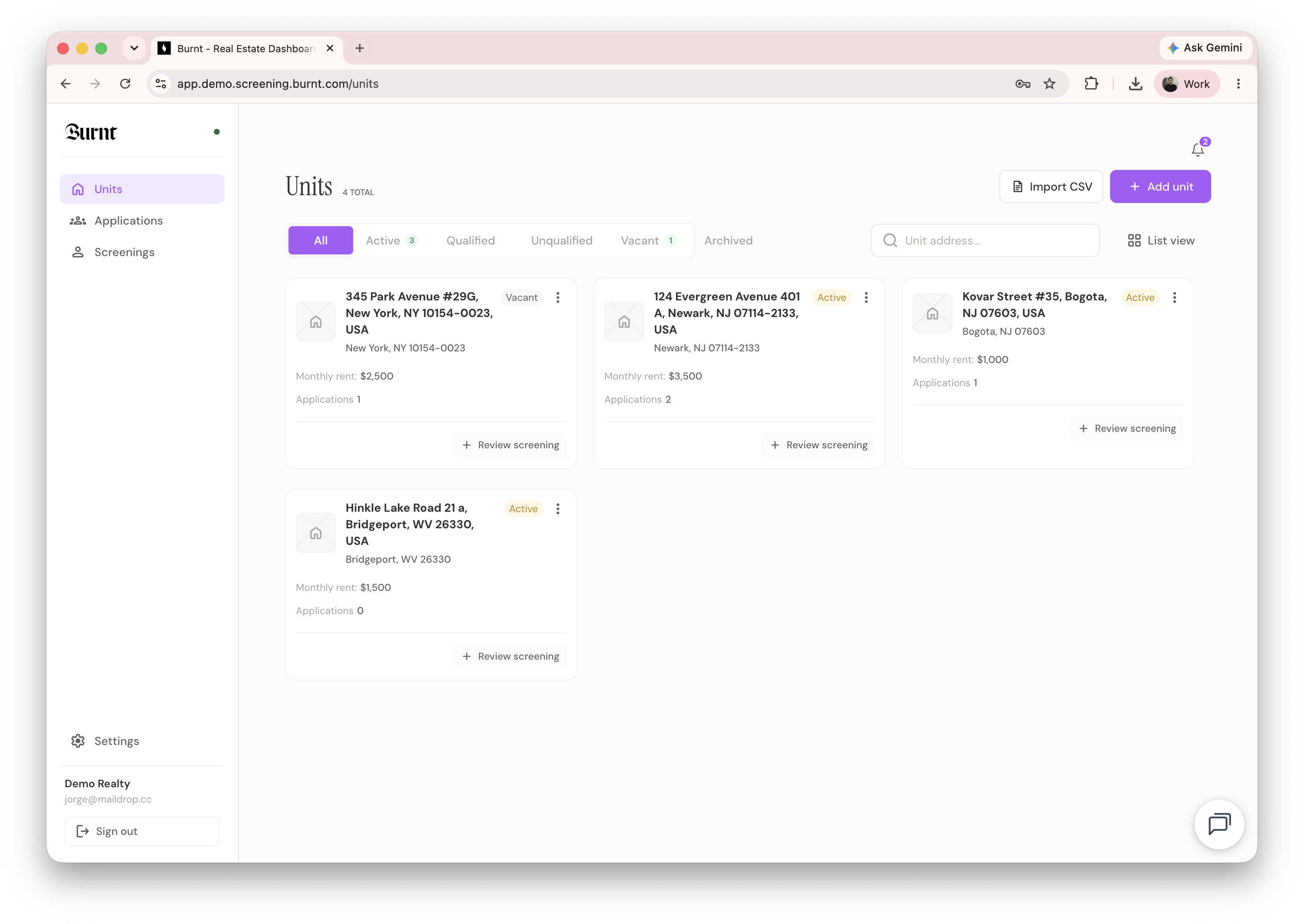 The basic workflow
- Create a unit for the rental.
- Attach a rule set, or create one, to define your criteria and fee.
- Share the invite link with prospective renters.
- Applicants complete their verification steps.
- Review the completed screening and record your decision.
Where to go next
- To set up your first rental, see How to create a unit.
- To define your criteria, see What a rule set is and how it works.
- To understand the results, see How to read a screening report.